
Build a landing page for your idea in under 1 hour
Every product idea goes through the same awkward phase: it exists in your head, maybe in a doc, possibly in a pitch deck — but nowhere a real customer can find it. The gap between "I have an idea" and "here's a link" could take forever. Today it doesn't have to.
This article is about closing that gap fast — and doing it in a way that actually serves your business, not just your to-do list.
Jump to a Section
The philosophy of the one-hour launch
The goal of the first hour isn't a finished product. It's a testable hypothesis.
A landing page built in an hour won't be perfect. The copy will be 80% there, the images placeholder-ish, the layout a work in progress. That's fine — because what you're really building isn't a page, it's a question: does anyone care about this? A live URL with a contact form or a waitlist signup answers that question faster than any amount of internal planning.
The trap most non-technical founders fall into is conflating "launching" with "finishing." They wait until the design feels right, the copy is polished, every edge case is handled. By the time the page goes live, three months have passed and the market may have moved. The one-hour mindset flips this: ship the question, then refine based on real answers.
Know what one hour can — and cannot — do
Before going further, a scope check. An hour is enough to build a landing page for a single offer: a lead magnet, a waitlist, a service package, a digital product. It is not enough for a multi-product catalog, a membership portal, or anything requiring custom integrations.
The one-hour frame also assumes you're working with an AI-assisted landing page builder that handles the scaffolding for you — hosting, SSL, mobile layout, basic SEO settings. Without that infrastructure handled automatically, the hour evaporates before you've written a single headline.
What one hour genuinely cannot do: replace strategic thinking. The AI fills in sections, but the core offer — what you're selling, who it's for, why now — has to come from you. The clearer that thinking is going in, the stronger the output coming out.
A few situations where the one-hour approach is the wrong tool entirely:
- when your product requires regulatory disclosure or legal copy that can't be auto-generated;
- when your audience expects a deeply customized experience (enterprise SaaS buyers, high-ticket B2B);
- when the page needs to integrate with a proprietary CRM or payment system that requires developer access;
- when you're running paid traffic at scale and need multivariate testing infrastructure from day one.
For everyone else — founders validating a new direction, freelancers launching a service, small businesses testing a new offer — an hour is exactly enough.
Architecture of a rapid landing page
Speed doesn't mean skipping structure. It means using the right structure efficiently.
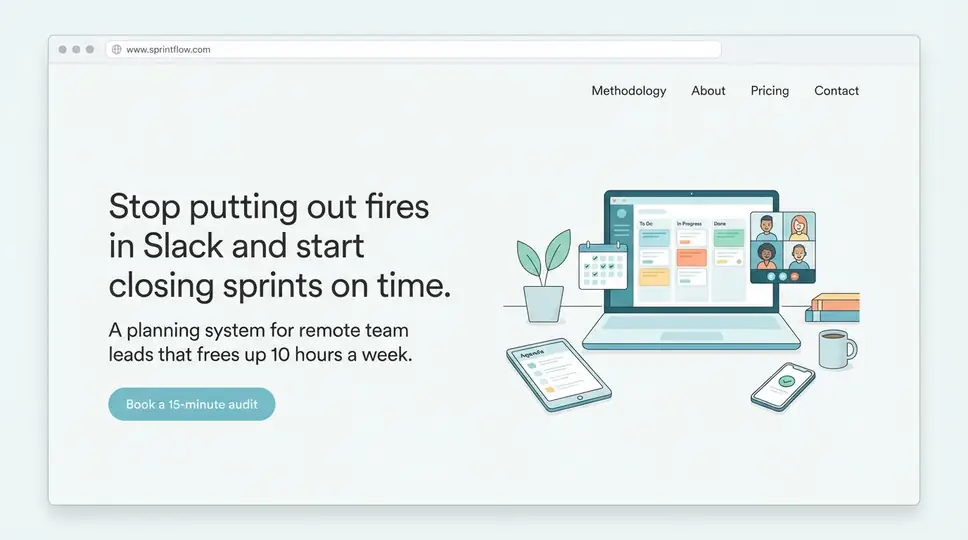
The hero section: five seconds to earn attention
The hero — the first thing a visitor sees — does one job: answer "what is this and why should I care?" before the reader decides whether to scroll. Most landing pages fail here not because they look bad, but because they lead with the seller's perspective instead of the buyer's problem.
A strong hero headline names the outcome, not the product. "Stop losing leads because your booking process is broken" outperforms "Introducing SmartBook Pro" every time. Pair it with a sub-headline that adds specificity — who this is for, what makes it different — and a single call to action. That's the whole hero.
Landing page design decisions at this stage are mostly structural, not aesthetic. The question isn't "does this look good?" but "does the information flow logically?" Visitors don't read pages top to bottom — they scan for signals. A well-structured page guides that scan toward the CTA even for someone who reads nothing in full.
The logical flow below the fold
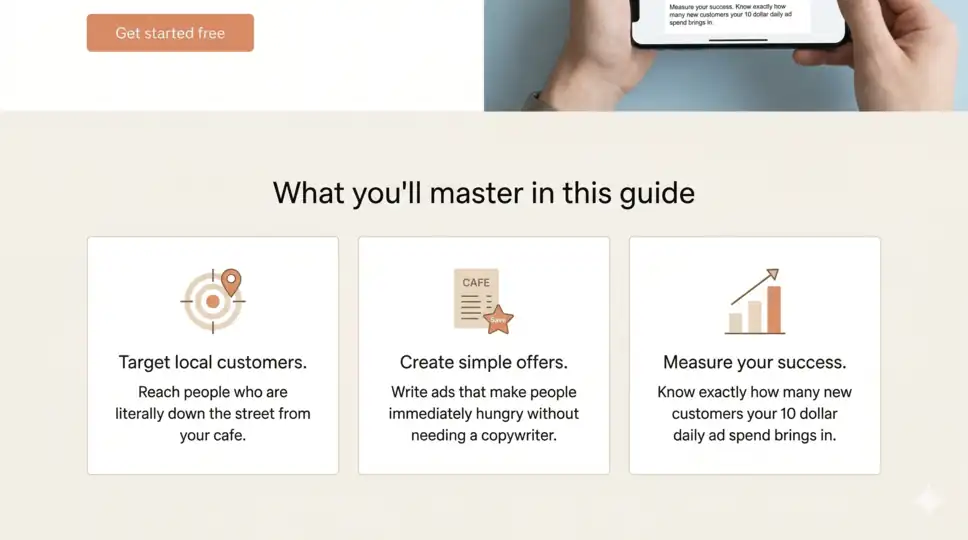
The section order that consistently converts follows a simple arc: name the problem → present the solution → offer proof → ask for action. This isn't a formula so much as a mirror of how decisions actually get made. A visitor who doesn't feel their problem acknowledged won't stick around to hear about your solution.
Proof is where many fast-built pages fall short. If you have testimonials, use them. If you don't yet — and for a brand-new idea, you probably don't — a landing page example of an alternative is a specific, concrete description of the result your offer produces. "Consultants who've completed this session report having a clear 90-day plan within 48 hours" is proof-adjacent. It sets a specific expectation, which builds more confidence than a vague claim about transformation.
Working within a pre-designed layout forces a useful discipline: you stop debating whether to add a fifth section "just in case" and start focusing on whether each existing section earns its place. The temptation with a blank canvas is to fill it. The temptation with a structured template is to tinker — swap a font, shift a color, reorder blocks. Both are the same trap in different clothes. A layout that's already visually coherent gives you permission to stop making design decisions and start making content decisions, which is where the actual work is.
Leveraging AI to get past the blank page
The blank page problem is real, and it hits hardest at the copy stage. Most founders know what they're selling but struggle to translate that into landing page language — headlines, benefit statements, CTA copy — without it sounding either flat or oversold.
Closer AI website builder addresses this by generating copy within each predefined section, based on the business description you provide. You're not handed a finished page; you're handed a structured draft — headline, subheadline, feature descriptions, CTA text — that fits the layout logic of the section it sits in. The draft will almost certainly need editing. The product description needs your own specifics. The CTA might be too soft or too aggressive for your audience. But starting from a shaped draft is categorically different from starting from nothing.
Landing page no code development also means the gap between "I changed the copy" and "that change is live" is seconds, not a deployment cycle. This matters more than it sounds. The willingness to iterate drops sharply when iteration requires technical steps. When it's just clicking and typing, you actually do it.
Closer additionally handles things that feel small until you realize you haven't done them: creating a logo, selecting font pairings that work together, producing placeholder images that fit the layout. These aren't cosmetic details — they're the difference between a page that reads as credible and one that reads as unfinished. The AI makes the page credible. Your edits make it accurate.
What Closer won't do is invent your positioning. The section about "who this is for" will be generic until you specify. The testimonials section will be empty until you fill it. The pricing block will need your actual numbers. Plan for roughly 20 minutes of focused editing after the AI generates the draft — adding real contact details, your actual offer, and any photos or specific claims the AI can't know.
Plan for roughly 20 minutes of focused editing after the AI generates the draft — adding real contact details, your actual offer, and any photos or specific claims the AI can't know.
To validate a niche business idea with a one-page website, connect a basic analytics tool like Google Analytics before you send the first visitor. Traffic without measurement is just noise. You want to know the scroll depth (are people reading past the hero?), the click-through rate on the CTA (is the offer landing?), and the source of your traffic (which channel is worth doubling down on?). These three data points are enough to make a go/no-go decision on the next stage of the project.
The time saved by not building from scratch is best spent on exactly this: getting the first 100 visitors to the page and actually talking to the ones who convert. No amount of design refinement produces the same quality of insight as a 15-minute call with someone who filled out your form.
For founders thinking past validation — top no-code tools to sell digital products offers a broader view of what comes next once the landing page has done its job and you're ready to build a full sales infrastructure.
From concept to live link
Plan for roughly 20 minutes of focused editing after the AI generates the draft — adding real contact details, your actual offer, and any photos or specific claims the AI can't know.
To validate a niche business idea with a one-page website, connect a basic analytics tool like Google Analytics before you send the first visitor. Traffic without measurement is just noise. You want to know the scroll depth (are people reading past the hero?), the click-through rate on the CTA (is the offer landing?), and the source of your traffic (which channel is worth doubling down on?). These three data points are enough to make a go/no-go decision on the next stage of the project.
The time saved by not building from scratch is best spent on exactly this: getting the first 100 visitors to the page and actually talking to the ones who convert. No amount of design refinement produces the same quality of insight as a 15-minute call with someone who filled out your form.
For founders thinking past validation — top no-code tools to sell digital products offers a broader view of what comes next once the landing page has done its job and you're ready to build a full sales infrastructure.
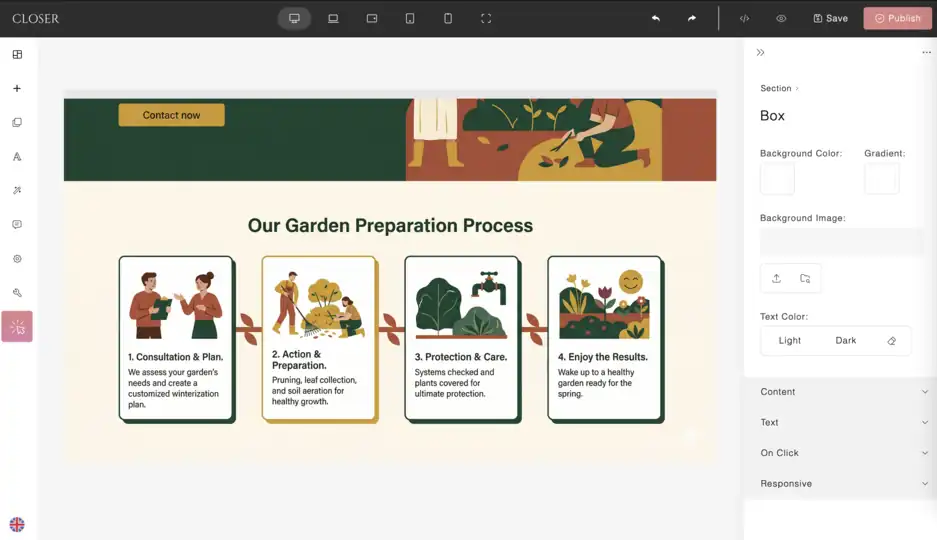
Build your landing page on Closer: step by step
1. Describe your business
Create a free account and fill in the business description prompt. Write two or three focused sentences: what you offer, who it's for, and what action you want visitors to take. Something like: "I offer one-on-one productivity coaching for remote team managers who struggle to hit their weekly goals. I want visitors to book a free 30-minute call." The more specific the input, the less generic the output — mention your audience, your offer, and the one thing that sets it apart.
2. Review the generated draft before editing anything
Closer AI generates a full page structure along with images and copy: hero section, problem/solution blocks, benefits, about, CTA connected to a webform, proof, FAQ, team. Read through it top to bottom as a first-time visitor would. At this stage, just mark what's off — a headline that misses the point, a section that doesn't apply, a claim that's too vague. If the overall result feels fundamentally misaligned, regenerate the whole page before moving on to edits.
3. Edit in priority order
Don't work top to bottom — work by impact. Start with the hero headline and subheadline: this is the highest-leverage edit on the page, and it sets the tone for everything below. Then move to the CTA — verify that the button actually connects to a form. After that, the proof section: replace placeholder testimonials with anything real, even one specific result from one real client. Finally, add your actual pricing or offer details if the page includes them. Secondary sections — features, FAQ, footer — come last.
4. Adjust the design selectively
Closer generates layouts with generous spacing and typographic harmony — font pairings are already considered, mobile layout already adapts. Design work at this stage means two things: swapping placeholder images for real ones in the hero and proof sections (those two carry the most visual weight), and checking that the color palette reads as consistent. If a specific section feels visually off, regenerate it independently without touching the rest of the page.
5. Configure the technical basics
Go into Closer's SEO settings and write the page title and meta description manually — the AI generates defaults, but a title written for a search result performs better than one written for a page header. Then submit the contact form yourself to confirm submissions route to an email address and sends requests to the “Leads” section in your dashboard.
6. Publish, then add analytics
Connect Google Analytics via Closer's integrations "Analytics" (section in your dashboard) — paste the tracking ID, save. Then publish. Send the link to five people in your target audience right away — not to ask if they like the design, but to find out whether the offer is clear and whether they'd take the action. That feedback, collected in the first hour after launch, is worth more than another round of refinements.
Summary
A one-hour landing page is a specific tool for a specific job: testing whether an idea earns real attention before you invest in building the full thing. It works because it separates two things that are usually tangled together — the quality of the execution and the viability of the idea. A clean, fast, live page lets you test the idea. Everything else can wait.
The practical decision: if you have a defined offer and a target audience you can describe in a sentence, Closer can generate a structured draft, handle the design and hosting, and get you to a live URL in under an hour. Your job in that hour is to add the specifics the AI can't know — your actual offer, your real proof, your contact details — and to resist the urge to polish before the page has had a single real visitor.
This approach works for: solo founders validating a new direction, service providers launching a specific package, businesses testing a new offer before committing to a full site build.
This approach doesn't work for: complex products requiring custom integrations, regulated industries needing legal review, or any launch where the page needs to be the finished product rather than the first version of one.
The page you launch today doesn't have to be the page you keep. It just has to be live.


